Back to School Photo Maker
Keep the text on the picture short: a date, a name or a class number
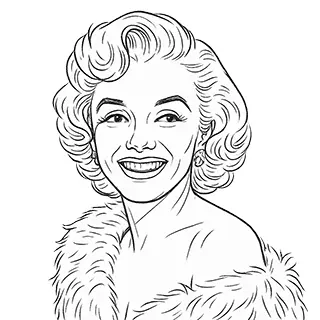
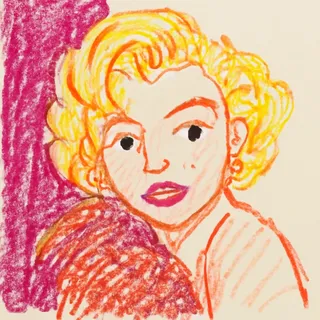
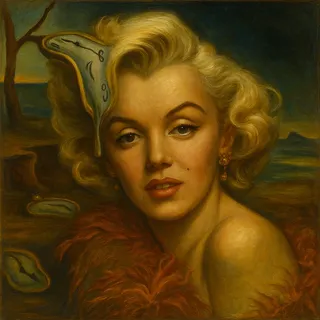
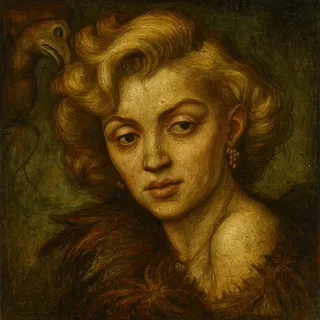
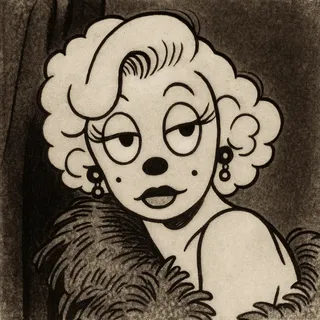
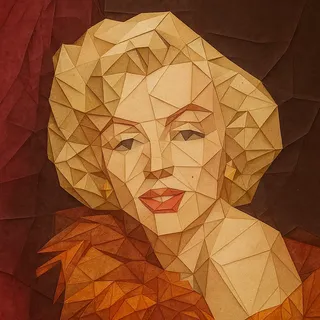
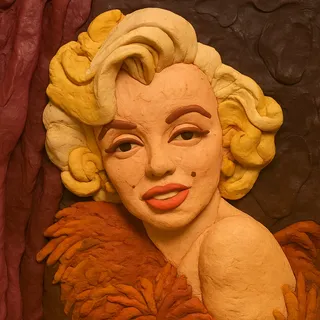
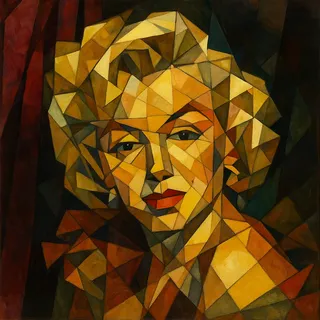
Examples of created images

Cards and Greetings for the First Day of School
Create back to school photos and greeting cards with AI. Festive pictures for the first day of school: first graders with flowers, greetings for teachers, school photo zones and posters.
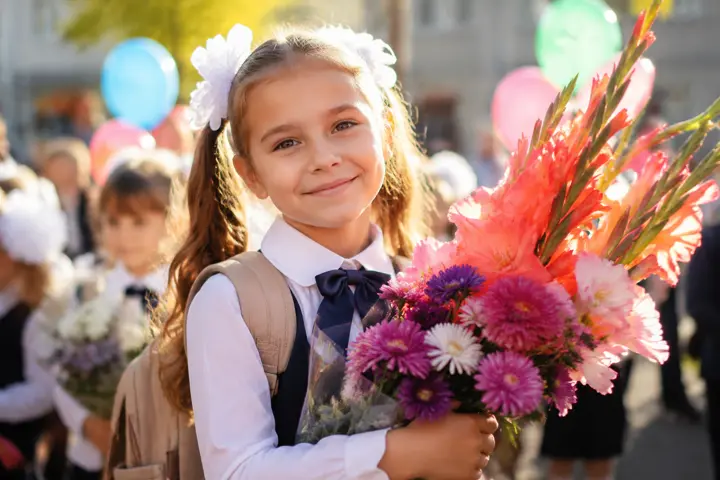
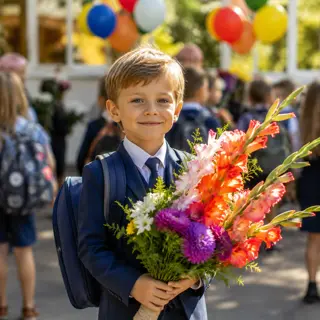
The first of September is a holiday for three people at once: the child who goes to school for the first time, the parents who photograph them from every angle, and the teacher who gets a stack of flowers. Describe what you need — a photo of a first grader with a bouquet, a greeting card for a teacher, a photo zone for the school yard or a poster for the classroom — and the AI will draw it. You can upload a photo of the child or the teacher so the picture is about them.
What You Get
Photos, cards and posters
One tool for the whole holiday: a portrait of a first grader, a greeting for a teacher, a photo zone, a poster for the classroom.
With your own photo
Upload a picture of the child or the teacher and the greeting becomes personal instead of a generic stock image.
Text on the picture
Add a short line: the date, a name, a class number or a few warm words for the teacher.
Ready in a couple of minutes
No photographer, no printing house and no queue at the end of August.
How to Make a Back to School Picture
- Decide who the picture is for: a child, a teacher or the whole class
- Pick a scenario or describe the scene in your own words
- Upload a photo of the child or the teacher if you want them in the frame
- Add a short line of text on the picture
- Download the result, send it in the class chat or print it
Where to Use It
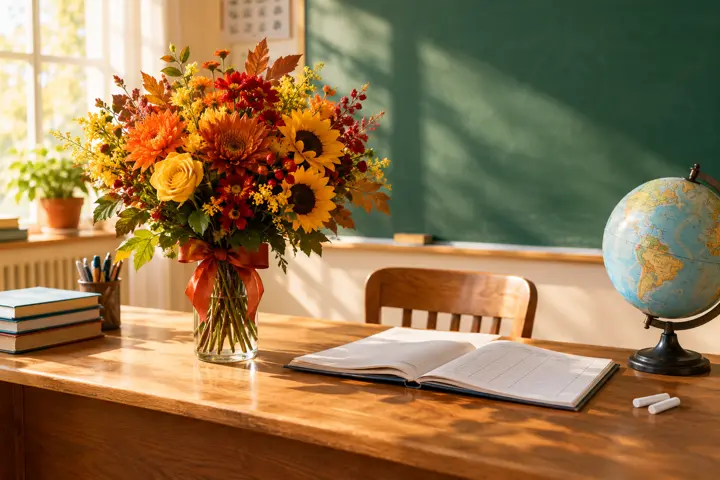
Greeting for the teacher
A personal card in the class chat is remembered longer than another picture forwarded from the internet.
Photo of a first grader
A festive portrait for the family album, even if the real photos came out blurry.
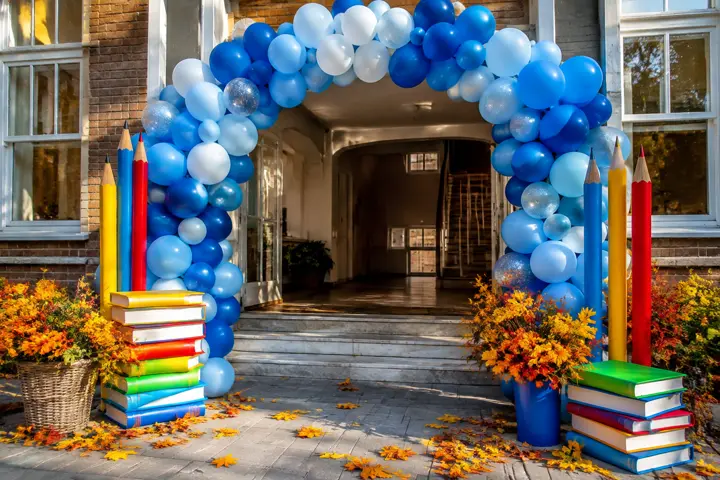
Photo zone and school decoration
A layout for a balloon arch or a stand for the school yard, straight from the description.
Posters and class newspapers
A bright illustration for a poster, a wall newspaper or a presentation for the first lesson.
Tips for Best Results
- Say who is in the frame: a first grader, a graduate, a class teacher — the age changes the whole picture
- Name the flowers you want: gladioli and asters read as the first of September, roses do not
- Keep the text on the picture to three or four words, long lines come out distorted
- Ask for warm September light and yellow leaves — that is what makes the season recognisable
- For a poster, ask to leave empty space at the top so you can add the title yourself
- Upload a clear frontal photo if you want a recognisable face in the picture
Key Features:
- Multiple portrait types: female, male, child, family, group, pet
- Various artistic styles: realistic, cinematic, watercolor, cartoon, and more
- High portrait similarity to original photo
- Support for multiple reference photos
- Customizable details and background
- High-resolution images
All AI for image generation

Child Age Transformation

Fairy Tale Selfie Generator

Coloring Book Generator

Avatar Generator

Photoshoot Generator

Sibling Predictor

Historical Transformation

Child's Drawing Enhancer

Image Generator

Baby Predictor

Telegram Sticker Generator

Portrait Generator

Character Portrait Generator

Fairy Tale Illustrator

Educational Illustrations

Image Editor

Photo Restoration

Victory Day Card Creator

Greeting Card Creator

Photo Enhancer

Family Coat of Arms Generator

Weight Transformation AI

Phone Wallpaper Generator

Desktop Wallpaper Generator

AI Image Upscaler
AI Fairy Tale & Game Comic Generator

Product Card Maker

AI Interior from a Photo
Back to School Photo Maker