Product Card Maker
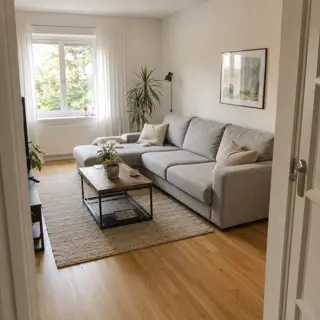
Upload two photos: first the product, second the interior or background
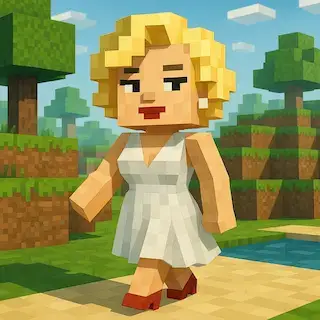
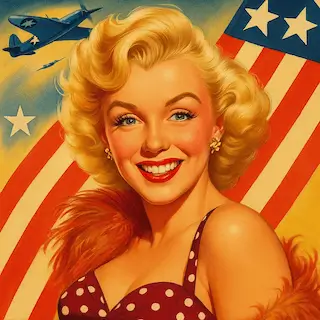
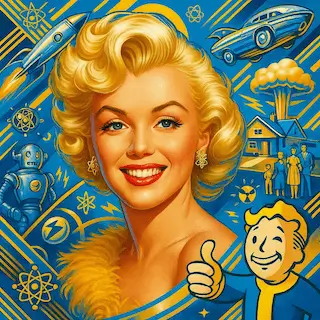
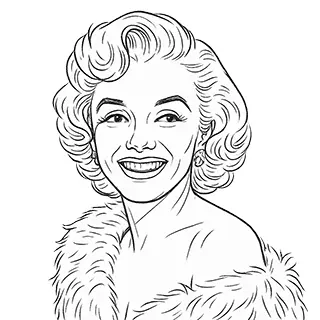
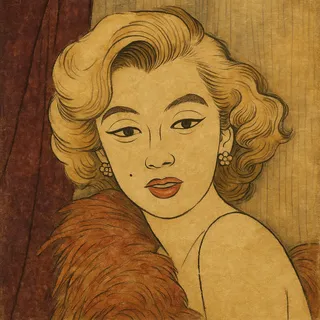
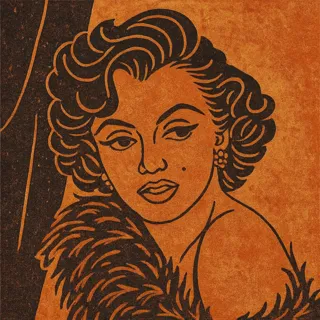
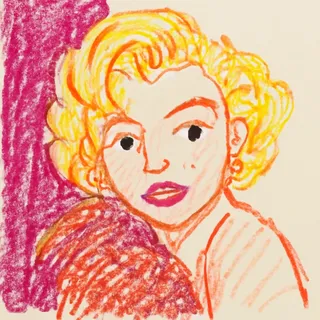
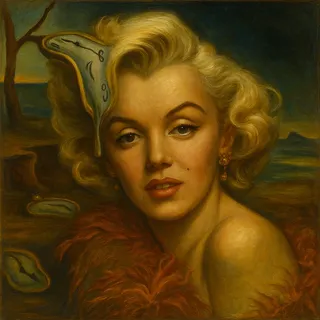
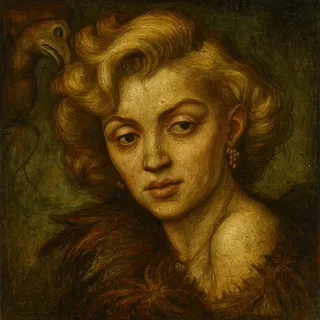
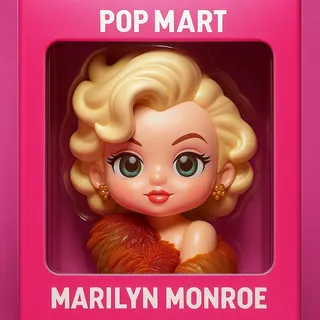
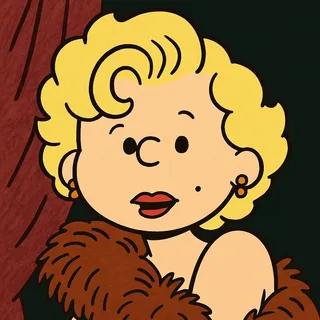
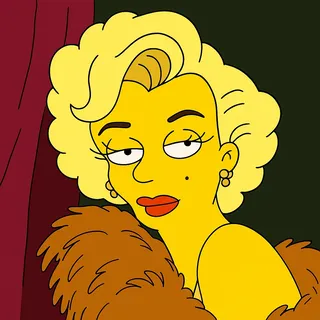
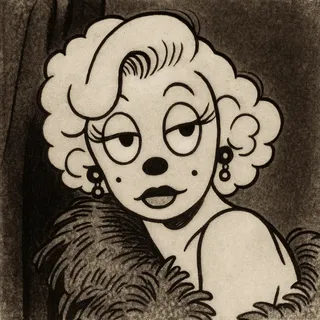
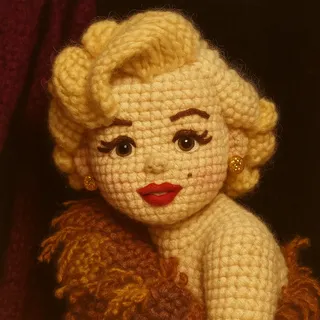
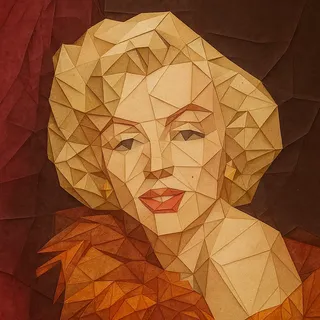
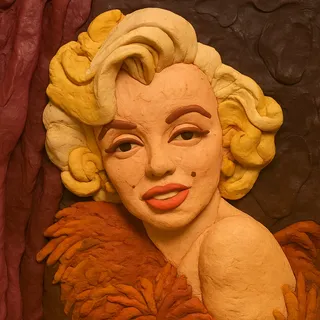
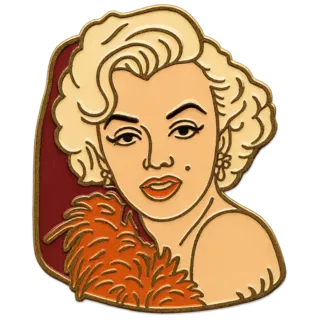
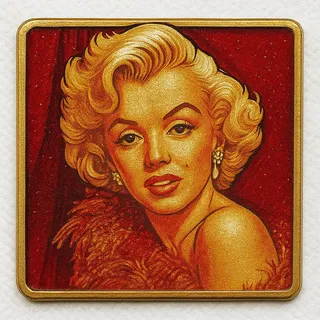
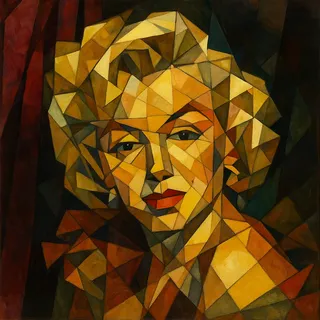
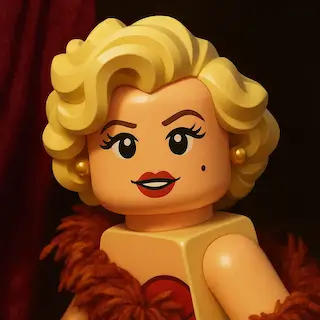
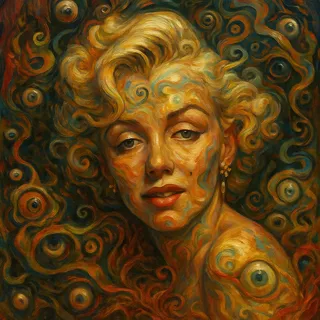
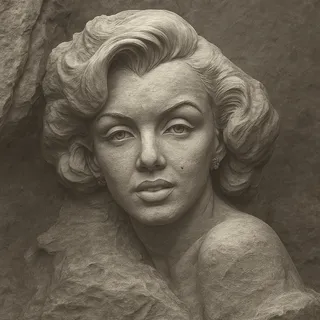
Examples of created images
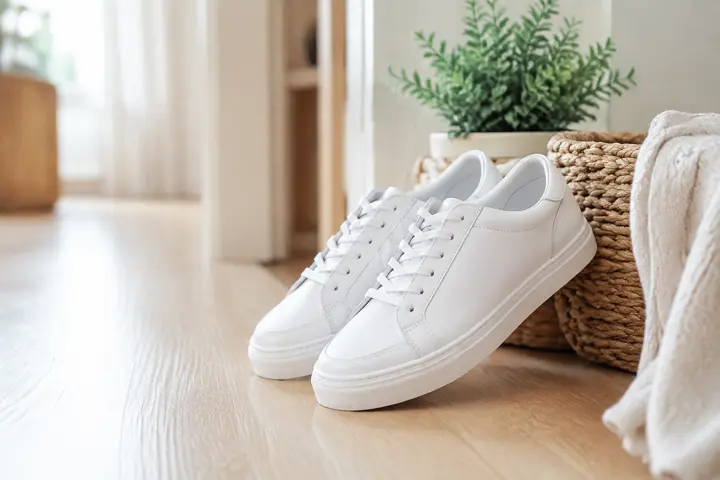
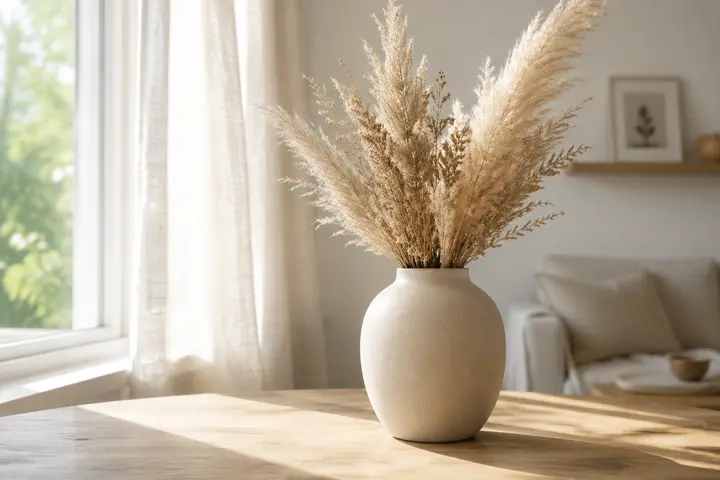
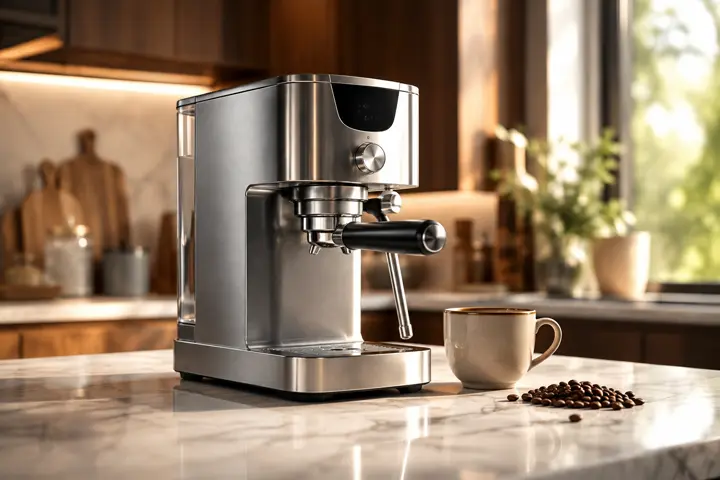

Product Cards from Your Photos
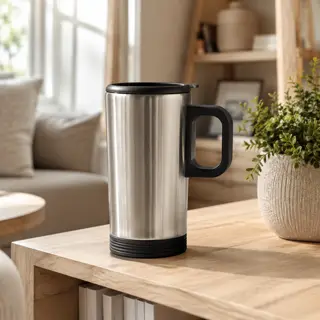
Create a product card online for free with AI. Upload a product photo and an interior photo — the neural network puts the product into the scene and makes a selling card for a marketplace.
A product photo on a white background sells worse than the same product shown in a real room. Upload two pictures — the product and the interior — and the AI will put one into the other: it matches the light, adds a shadow under the product and keeps its shape, colour and logo. You get a ready product card for a marketplace, an online store or an ad, without a studio and without a photographer.
What You Get
Two photos into one card
The product from the first photo goes into the interior from the second. Light, shadows and perspective are matched automatically.
The product stays itself
Shape, colour, material and logo are preserved — the buyer receives exactly the item shown on the card.
Your own interior
Any photo works as the scene: your flat, an office, a shop window. No need to look for stock backgrounds.
Text on the card
Add a short line the way marketplaces do — a feature, a set size, a guarantee.
How to Create a Product Card
- Upload the product photo first — it defines what will be in the frame
- Upload the interior or background photo second
- Pick a scenario: in the interior, in hands, on a clean background, a detail close-up
- Add a short line on the card if you need one
- Download the result and upload it to the product card
Where to Use It
Marketplace product cards
Fill the gallery with lifestyle shots: the same product in different rooms and scenarios.
Online store catalogue
One consistent style for every item, even when the photos came from different suppliers.
Social media and ads
A product in a real setting works better in a feed than a cut-out on white.
Testing a scene before a shoot
See how the product looks in a setting before you pay for a real photo session.
Tips for Best Results
- Order matters: the product goes first, the interior second
- Shoot the product on a plain background in even light — details survive the transfer better
- Pick an interior with free space where the product can actually stand
- Say the real size in words if the product is small — otherwise the AI may enlarge it
- Make several cards for one product: interior, hands, close-up — a gallery sells better than one shot
- Do not put prices or discounts on the card — marketplaces remove such images
Key Features:
- Multiple portrait types: female, male, child, family, group, pet
- Various artistic styles: realistic, cinematic, watercolor, cartoon, and more
- High portrait similarity to original photo
- Support for multiple reference photos
- Customizable details and background
- High-resolution images
All AI for image generation

Child Age Transformation

Fairy Tale Selfie Generator

Coloring Book Generator

Avatar Generator

Photoshoot Generator

Sibling Predictor

Historical Transformation

Child's Drawing Enhancer

Image Generator

Baby Predictor

Telegram Sticker Generator

Portrait Generator

Character Portrait Generator

Fairy Tale Illustrator

Educational Illustrations

Image Editor

Photo Restoration

Victory Day Card Creator

Greeting Card Creator

Photo Enhancer

Family Coat of Arms Generator
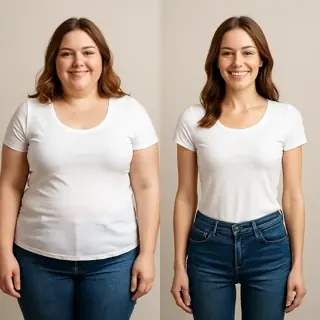
Weight Transformation AI
Phone Wallpaper Generator

Desktop Wallpaper Generator
AI Image Upscaler
AI Fairy Tale & Game Comic Generator
Product Card Maker
AI Interior from a Photo

Back to School Photo Maker