AI Interior from a Photo
Upload two photos: first the furniture or appliance, second your room
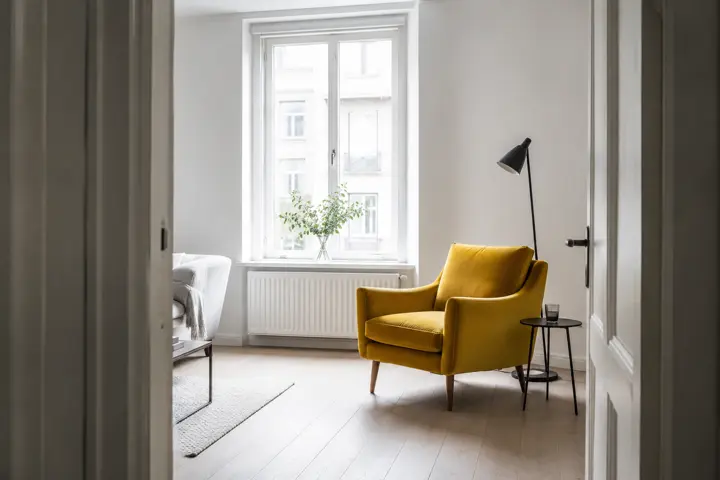
Examples of created images
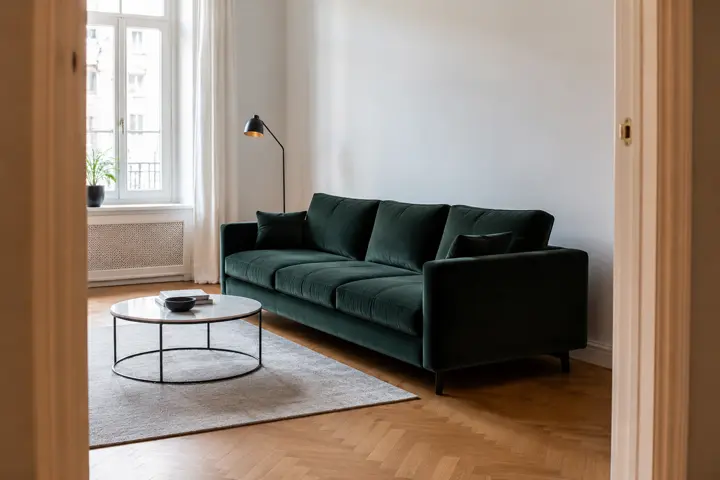
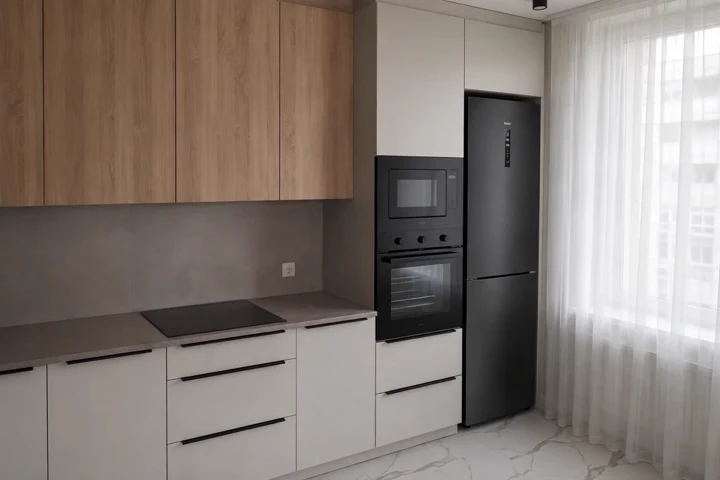

Furniture and Appliances in Your Interior
AI interior design from a photo, free. Upload a photo of furniture or an appliance and a photo of your room — the neural network puts the item into your interior so you can see how it fits before buying.
A sofa in a shop and the same sofa in your living room are two different sofas. Upload a photo of the furniture or the appliance and a photo of your room — the AI will put one into the other, keeping the real scale, the perspective and the light of your interior. You will see whether the item fits, whether the colour matches the walls and how much space is left around it, before you pay for delivery.
What You Get
Your room, not a showroom
The item lands in your own interior with your walls, your window and your light — not in a stock picture from a catalogue.
Honest scale
The size is matched against doorways, windows and the furniture you already have, so 'will it fit' stops being a guess.
The item stays itself
Shape, colour, material and proportions are preserved — you are looking at the thing you are actually about to buy.
Furniture and appliances alike
A sofa, a wardrobe, a fridge, a TV or a kitchen hob — anything that has to stand in a specific place.
How to Try Furniture in Your Interior
- Save a photo of the item from the shop and upload it first
- Photograph your room from the doorway so the walls and the floor are visible, and upload it second
- Pick a scenario: place it, replace the old one, check whether it fits
- Look at the result and try a different spot or colour if needed
- Save the picture and show it to the family before ordering
Where to Use It
Before buying furniture
See the sofa in your own living room instead of guessing from a catalogue photo.
Kitchen appliances
Check how a fridge or a hob sits next to your worktop and cabinets before ordering.
Agreeing with the family
One picture settles an argument about colour faster than an hour of describing it in words.
Selling furniture
Show a customer your item in their own room — a shop that does this closes more deals.
Tips for Best Results
- Order matters: the item goes first, your room second
- Photograph the room from the doorway in daylight — the AI reads the perspective better
- Make sure the floor and the bottom of the walls are in frame, otherwise the item will hang in the air
- Clear the spot beforehand or ask to remove the old furniture — an empty corner gives a cleaner result
- Say the real dimensions in words if the item is large — that keeps the scale honest
- Try two or three spots for the same item and compare the pictures side by side
Key Features:
- Multiple portrait types: female, male, child, family, group, pet
- Various artistic styles: realistic, cinematic, watercolor, cartoon, and more
- High portrait similarity to original photo
- Support for multiple reference photos
- Customizable details and background
- High-resolution images
All AI for image generation

Child Age Transformation

Fairy Tale Selfie Generator

Coloring Book Generator

Avatar Generator

Photoshoot Generator

Sibling Predictor

Historical Transformation

Child's Drawing Enhancer

Image Generator

Baby Predictor

Telegram Sticker Generator

Portrait Generator

Character Portrait Generator

Fairy Tale Illustrator

Educational Illustrations

Image Editor

Photo Restoration

Victory Day Card Creator

Greeting Card Creator

Photo Enhancer

Family Coat of Arms Generator

Weight Transformation AI

Phone Wallpaper Generator

Desktop Wallpaper Generator

AI Image Upscaler

AI Fairy Tale & Game Comic Generator
Product Card Maker
AI Interior from a Photo

Back to School Photo Maker