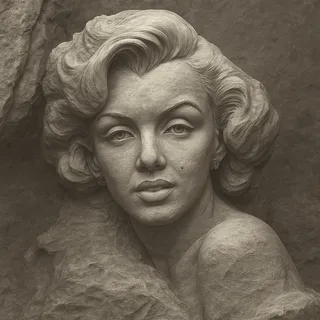
Mom Portrait
Upload a photo of mom and describe the portrait you want
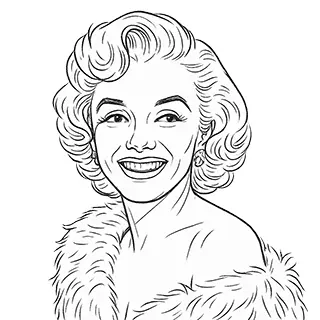
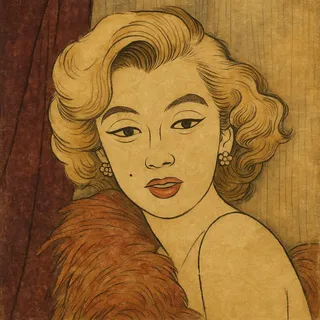
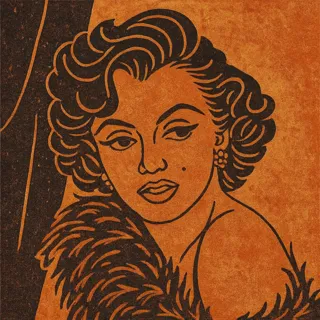
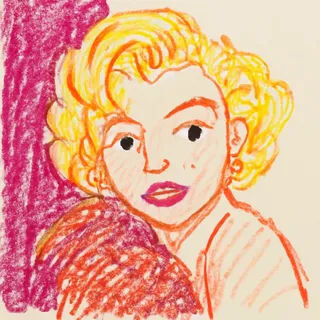
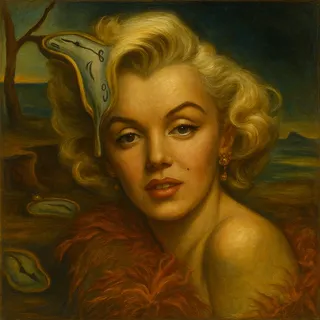
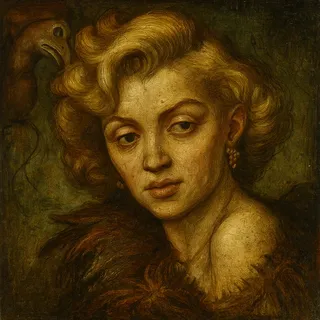
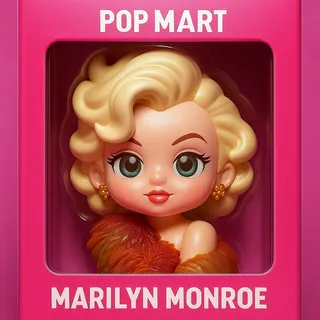
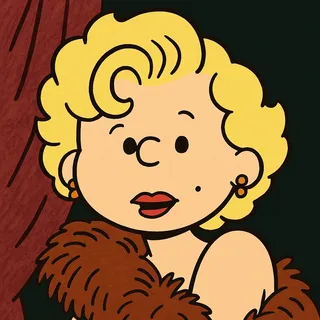
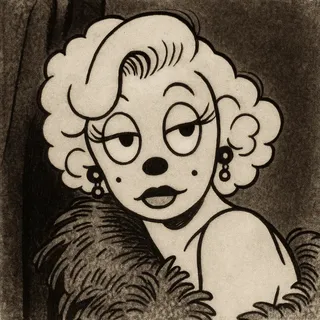
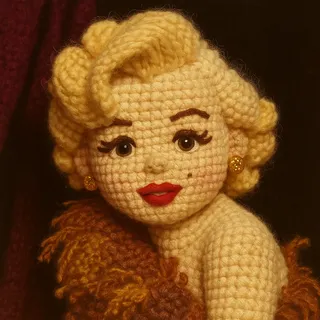
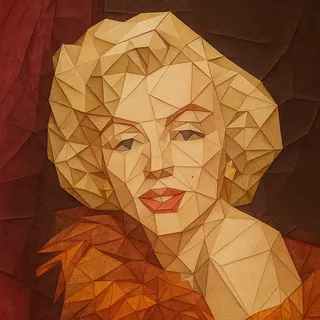
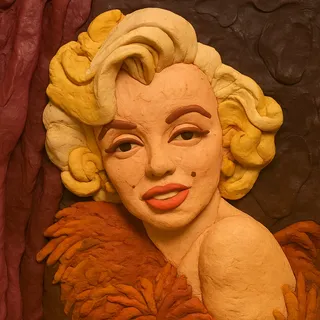
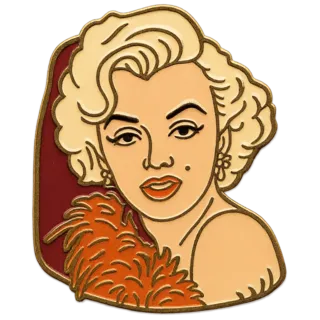
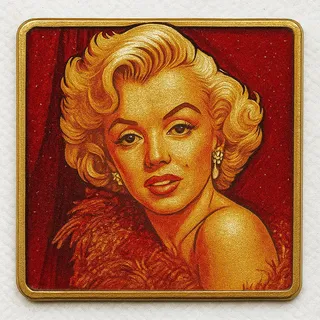
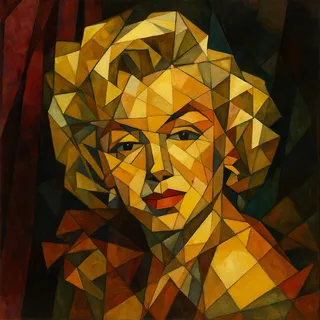
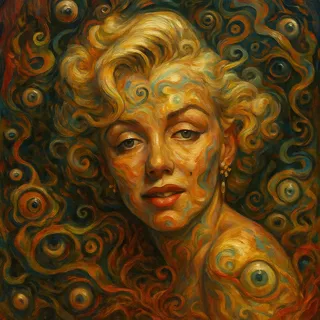
Examples of created images
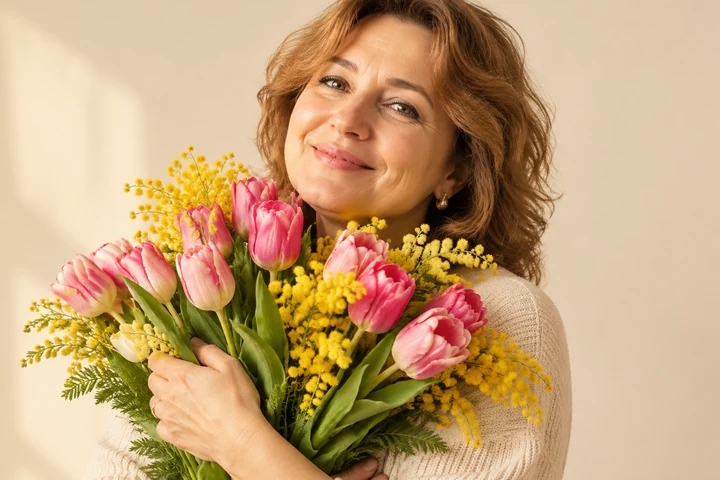
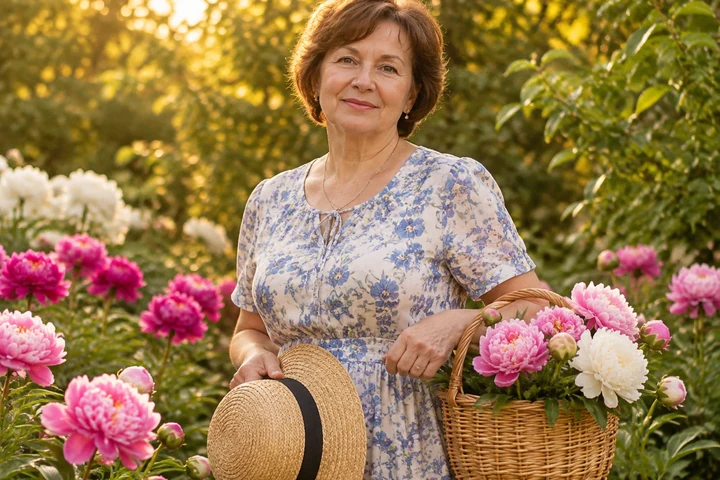
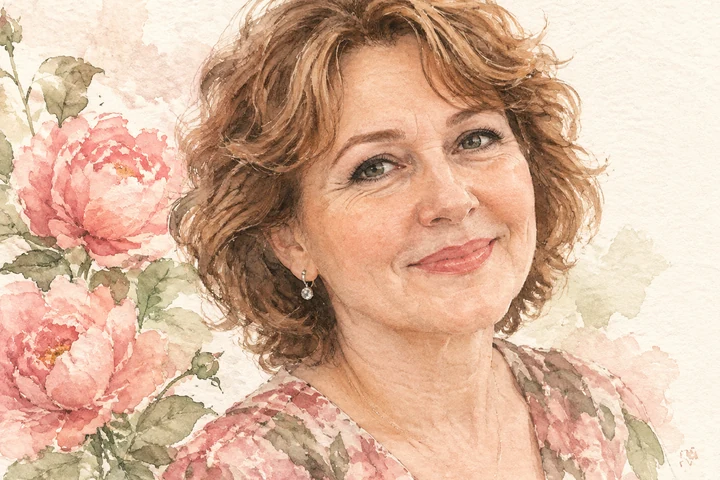

Warm Mom Portrait with Flowers for March 8
Turn one photo of your mom into a warm portrait with flowers: soft light, a bouquet in her hands and a kind smile. Ready for a present, a class newspaper or a card on March 8.
A mom portrait for March 8 is usually drawn in a hurry: an A4 sheet, coloured pencils and a drawing lesson the day before the holiday. Here you upload one photo of your mom and the AI builds a warm portrait with flowers: the face comes from your picture, while the light, the bouquet and the background are yours to choose. The vertical 2:3 frame is ready for a print and a frame, for a class newspaper or for a card you cannot buy in a shop. The portrait takes a couple of minutes, and you can regenerate it whenever something looks off.
What You Get
Her face from your photo
The AI takes the face from the uploaded picture, so the portrait shows your mom, not a stranger from a stock library.
Flowers are already in the frame
A bouquet of peonies and chamomile, soft window light and a warm palette set the holiday mood from the first try.
From watercolour to an old photograph
Watercolour, a summer garden, a kitchen with a pie, black and white or a vintage print — pick a style and change any detail.
Ready to print and to a wall newspaper
The vertical 2:3 frame fits a photo frame, a folded card and a class newspaper without cropping the face.
How to Make a Mom Portrait
- Pick a clear photo of mom, a frontal shot in even light works best
- Upload it to the generator, the AI reads the face and keeps the features
- Choose a scenario: a bouquet, a garden, watercolour or an old photograph
- Add your details: flowers, clothes, place and light
- Download the vertical 2:3 picture, print it for a card or put it in a frame
Where to Use It
A present for mom on March 8
A printed portrait with flowers holds more than another box of chocolates and stays on the shelf for years.
A wall newspaper for the class
The portrait prints well next to poems and greetings, so the class newspaper looks finished instead of empty.
A card made by hand
Glue the picture to cardboard and sign it — a card that took ten minutes but looks like a gift from a shop window.
A portrait in a frame
Order a print, put it in a wooden frame and hang it at home — a quiet present that works all year, not only in March.
Tips for Best Results
- Use a clear frontal photo of mom, taken in even daylight
- Check that nothing covers the face: sunglasses, a scarf, a summer hat
- Name the flowers you want: peonies and chamomile read as a warm present, roses look formal
- For a wall newspaper, ask for a half-length frame and bright even light so the face prints well
- For a card, ask to keep empty space around mom, the greeting needs room
- Generate two or three versions and keep the one where the smile looks like hers
Key Features:
- Multiple portrait types: female, male, child, family, group, pet
- Various artistic styles: realistic, cinematic, watercolor, cartoon, and more
- High portrait similarity to original photo
- Support for multiple reference photos
- Customizable details and background
- High-resolution images
All AI for image generation

Child Age Transformation

Fairy Tale Selfie Generator

Coloring Book Generator

Avatar Generator

Photoshoot Generator

Sibling Predictor

Historical Transformation

Child's Drawing Enhancer

Image Generator

Baby Predictor

Telegram Sticker Generator

Portrait Generator

Character Portrait Generator

Fairy Tale Illustrator

Educational Illustrations

Image Editor

Photo Restoration

Victory Day Card Creator

Greeting Card Creator

Photo Enhancer

Family Coat of Arms Generator

Weight Transformation AI

Phone Wallpaper Generator

Desktop Wallpaper Generator
AI Image Upscaler
AI Fairy Tale & Game Comic Generator

Product Card Maker

AI Interior from a Photo
Back to School Photo Maker

Chinese Dragon

Chinese New Year Photo

Christmas Family Photo

Ice Bathing at Epiphany

Hanukkah Card
Pancakes for Maslenitsa

Maslenitsa Festivities

Photo in Military Uniform
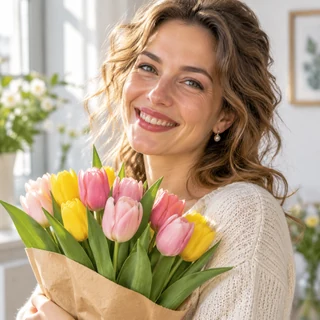
Mom Portrait
Nativity Scene

New Year Avatar

2027 Photo Calendar
New Year Photo Session

New Year Menu

New Year Photo Zone

Child with Santa Photo

Carnival Costume

Couple Photo

Wish Map
Red Fire Goat 2027