New Year Photo Session
Upload 1-5 family photos and describe how everyone should stand in the frame
Examples of created images
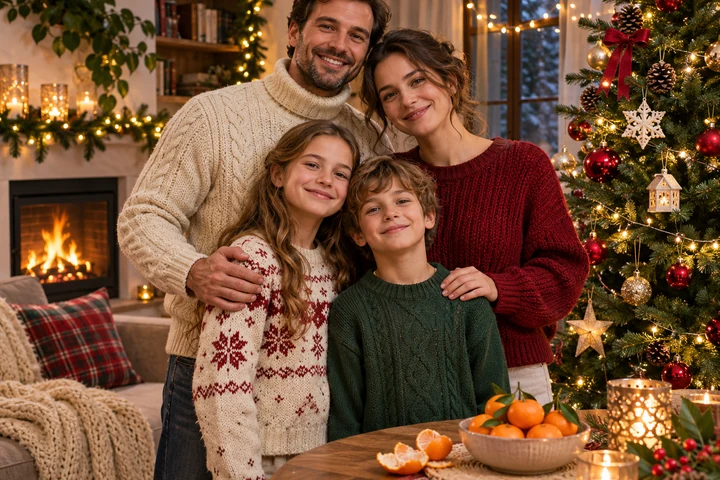
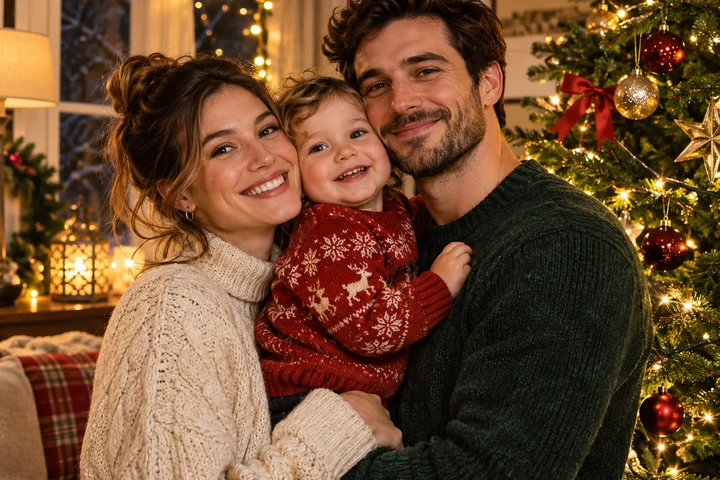
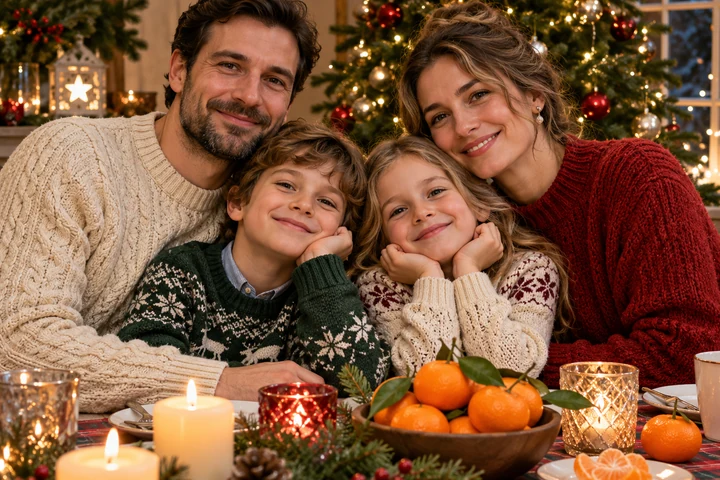

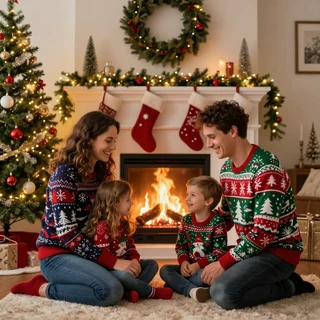
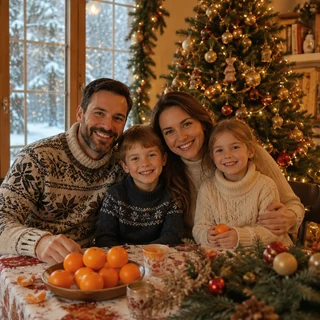
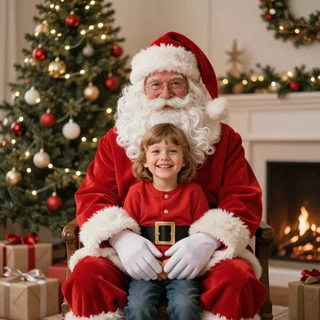
Family New Year Photo by the Christmas Tree
Turn 1-5 of your family photos into a festive shot by the Christmas tree: garlands, warm light, tangerines and snow outside the window. No photographer needed.
A real family photo session in December means a studio, an appointment and a photographer who is already booked until the end of the month. Here you upload one to five photos of your own and the AI gathers everyone in one festive frame by the Christmas tree. It keeps the faces from the uploaded pictures, so the result looks like your family and not like a stock photo. You choose the scene: the whole family together, a child in arms, a couple at the window with snow outside. Warm garland light, tangerines on the table and a sincere mood come by default.
What You Get
Your faces, not stock people
The AI takes faces from the uploaded photos, so the picture shows your family and not models from a photo bank.
1-5 photos in one frame
A shot that was never taken in real life: everyone together, even if work, school and distance kept you apart.
Festive atmosphere on request
Garlands, warm golden light, tangerines, gifts and snow outside the window are already in the scene, and you can change any of it.
Ready in a couple of minutes
No studio, no appointment and no queue to see a photographer before the holidays.
How to Make a Family New Year Photo
- Pick 1-5 clear family photos, frontal shots in even light work best
- Upload them to the generator — the order does not matter, the AI reads all of them
- Choose a scenario: the whole family by the tree, grandma with grandchildren, a couple at the window
- Add your details: garlands, tangerines, gifts, snow outside the window, warm light
- Download the vertical 2:3 picture, print it for a frame or send it to the family chat
Where to Use It
Greeting card for relatives
A New Year greeting with the whole family in one frame is warmer than a forwarded picture.
Family album
The picture you wanted but never got: everyone look at the camera at the same time.
Gift for grandparents
Print it and put it in a frame — a present they will keep on the shelf all year.
Post and stories
The vertical 2:3 format fits social media without cropping anyone out of the frame.
Tips for Best Results
- Upload clear frontal photos in even light — the AI rebuilds faces from them
- Do not mix photos from different years if you want a believable age match
- Ask for warm garland light and snow outside the window — that is what makes the holiday read
- Say who stands where, otherwise the AI places people at random
- Mention clothes if they matter: knit sweaters, a dress, a family look in one colour
- Try two or three scenes and keep the version where the smiles look natural
Key Features:
- Multiple portrait types: female, male, child, family, group, pet
- Various artistic styles: realistic, cinematic, watercolor, cartoon, and more
- High portrait similarity to original photo
- Support for multiple reference photos
- Customizable details and background
- High-resolution images
All AI for image generation

Child Age Transformation

Fairy Tale Selfie Generator

Coloring Book Generator

Avatar Generator

Photoshoot Generator

Sibling Predictor

Historical Transformation

Child's Drawing Enhancer

Image Generator

Baby Predictor

Telegram Sticker Generator

Portrait Generator

Character Portrait Generator

Fairy Tale Illustrator

Educational Illustrations

Image Editor

Photo Restoration

Victory Day Card Creator

Greeting Card Creator

Photo Enhancer

Family Coat of Arms Generator

Weight Transformation AI

Phone Wallpaper Generator

Desktop Wallpaper Generator
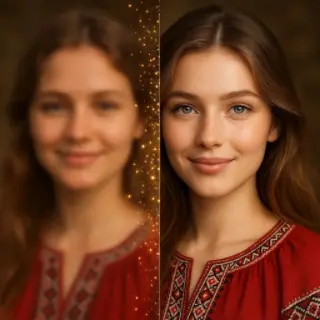
AI Image Upscaler
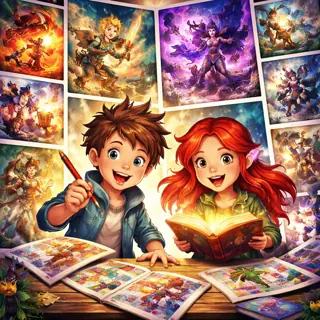
AI Fairy Tale & Game Comic Generator

Product Card Maker
AI Interior from a Photo
Back to School Photo Maker

Chinese Dragon
Chinese New Year Photo
Christmas Family Photo
Ice Bathing at Epiphany

Hanukkah Card
Pancakes for Maslenitsa
Maslenitsa Festivities

Photo in Military Uniform
Mom Portrait
Nativity Scene

New Year Avatar
2027 Photo Calendar
New Year Photo Session
New Year Menu

New Year Photo Zone
Child with Santa Photo

Carnival Costume

Couple Photo
Wish Map
Red Fire Goat 2027